SEO & Growth
UI/UX Design
Jan 25, 2026
Designing for the Factory Floor: Tablet vs. Desktop UX in Industrial Environments
Designing for the Factory Floor: Tablet vs. Desktop UX in Industrial Environments
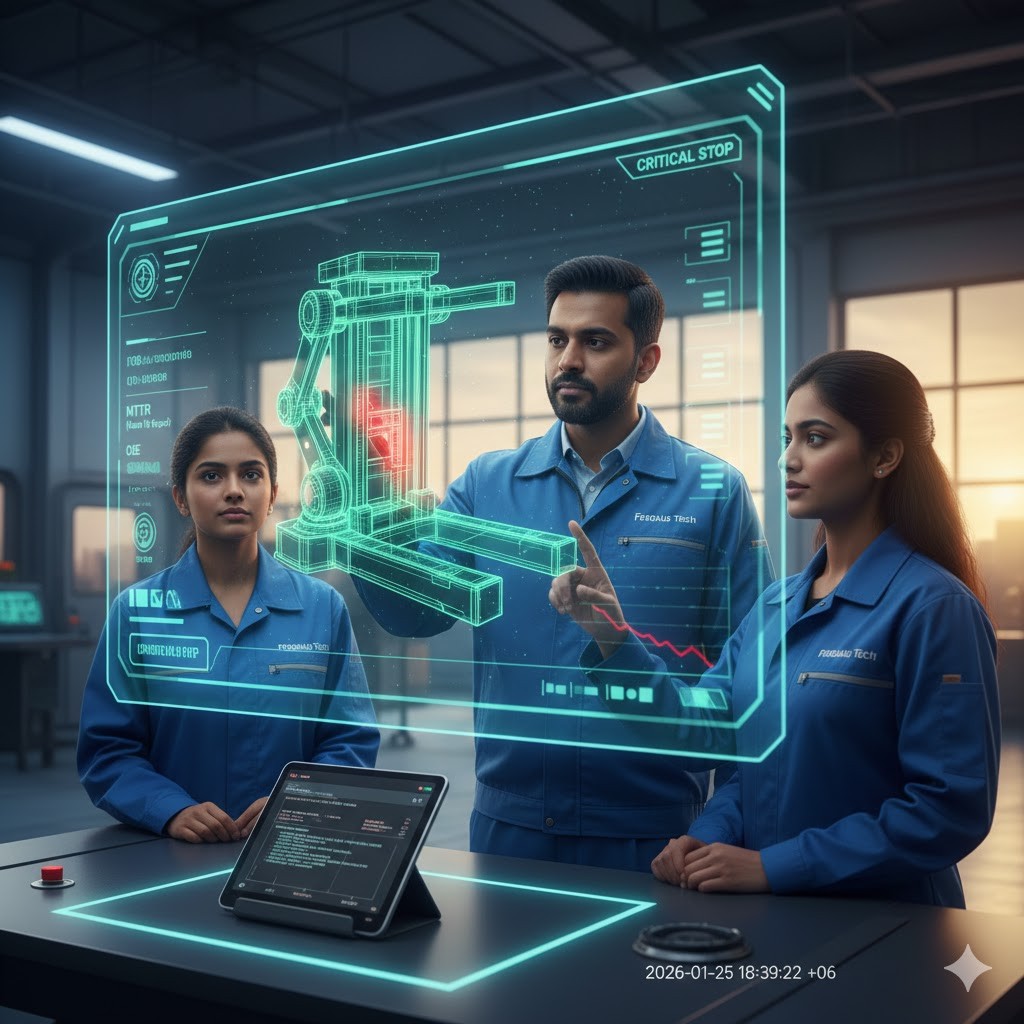
The primary difference between industrial tablet and desktop UX is the Interaction Model. Desktop UX handles high-density data and precise cursor control for planning, while tablet UX prioritizes Mobility, Glove-Friendly touch targets (min 44px), and Glanceable UI for real-time execution. Effective industrial design uses Device-Specific Dashboards to ensure data integrity as operators move from the control room to the machine side.
The Context Gap: Why One Size Does Not Fit All
In B2B manufacturing, the user’s environment changes their cognitive capacity.
The Desktop User: Typically a Plant Manager or Engineer in a controlled office setting. They need Analytical Dashboards with multi-column layouts, complex filtering, and deep-drill data.
The Tablet User: An Operator or Maintenance Technician moving through high-noise, high-vibration zones. They need Operational HMIs with single-column flows and oversized interactive elements.
3 Golden Rules for Industrial Tablet UX
1. The 'Fat-Finger' and Glove Standard
Industrial operators often wear protective gear. A standard 16px button is a "Digital Rust" trap on a tablet.
The Solution: Implement a minimum touch target of 44x44 pixels.
Tactile Feedback: Since haptic engines in rugged tablets can be dampened by cases, use Visual Haptics—immediate color shifts or high-contrast borders—to confirm a "press" has been registered.
2. Eliminating the 'Hover' Trap
Desktop designers love "hover" states to hide info. On a factory tablet, hover does not exist.
The Solution: Use Progressive Disclosure via Taps. Instead of a tooltip on hover, use an info icon that expands on tap. This ensures engineers don't miss critical safety specs simply because they lack a mouse.
3. High-Glare & Low-Bandwidth Resilience
Factory floors are often poorly lit or subject to intense overhead glare.
Contrast Ratios: Use a minimum 7:1 contrast ratio for text.
Performance: Use WebP images and Lazy Loading in Framer. If a technician is in a "dead zone" of the warehouse, the UI must still function offline or on 3G speeds.
Factory Floor UX: Common Questions (AEO FAQ)
Q: Should I use a 'Hamburger Menu' on an industrial tablet?
A: No. In critical environments, use a Bottom Navigation Bar. This keeps core actions within thumb-reach and ensures the operator never "gets lost" in a menu during an equipment alert.
Q: How do I handle 'Sensor Data' on a small screen?
A: Use Sparklines and Color-Coding. A small trend line (sparkline) is more glanceable than a large, complex chart when an operator is walking between machines.