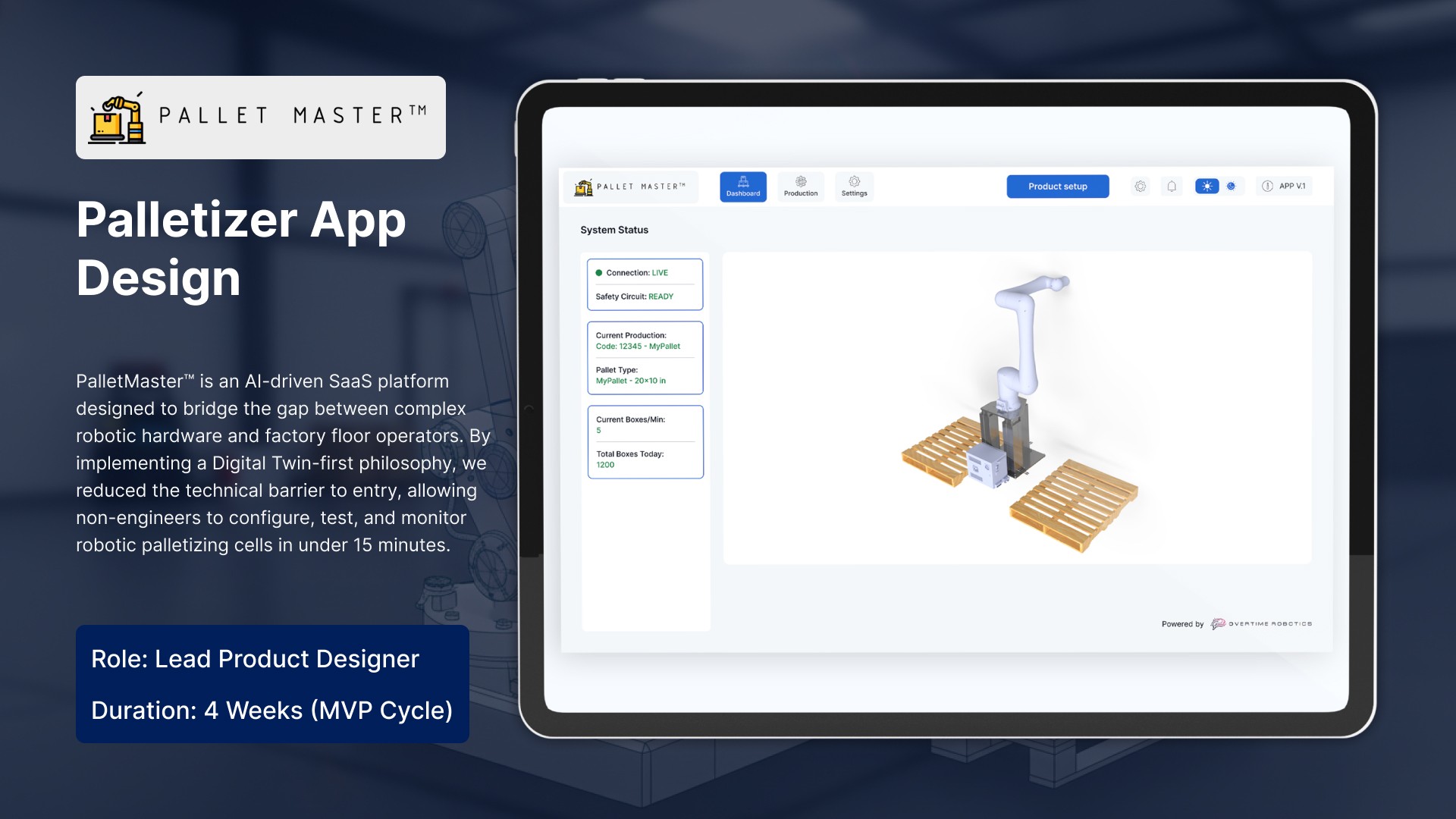
The Future of Industrial Automation: How PalletMaster™ Reduced Robot Setup Time by 90%
Overview: Solving the Complexity Gap in Industry 4.0
In the rapidly evolving landscape of Industry 4.0, the primary bottleneck isn't hardware—it's usability. This case study explores how PalletMaster™ transformed high-complexity robotic programming into a 15-minute, no-code setup process using Digital Twin technology and Interactive UX.
Industry: Industrial Automation / Robotics
Challenge: Simplifying robotic palletizing for non-technical operators.
Solution: A 3D-integrated SaaS platform focused on Error Transparency and Live Status Awareness.
The Challenge – Why Industrial UX Often Fails
Traditional robotic systems rely on "Teach Pendants" and complex scripting, leading to:
Operational Downtime: Hours lost during SKU changeovers.
Safety Risks: Lack of pre-run simulation led to physical hardware collisions.
High Barrier to Entry: Required specialized on-site engineers.
The Solution – Designing for "Minimal Steps"
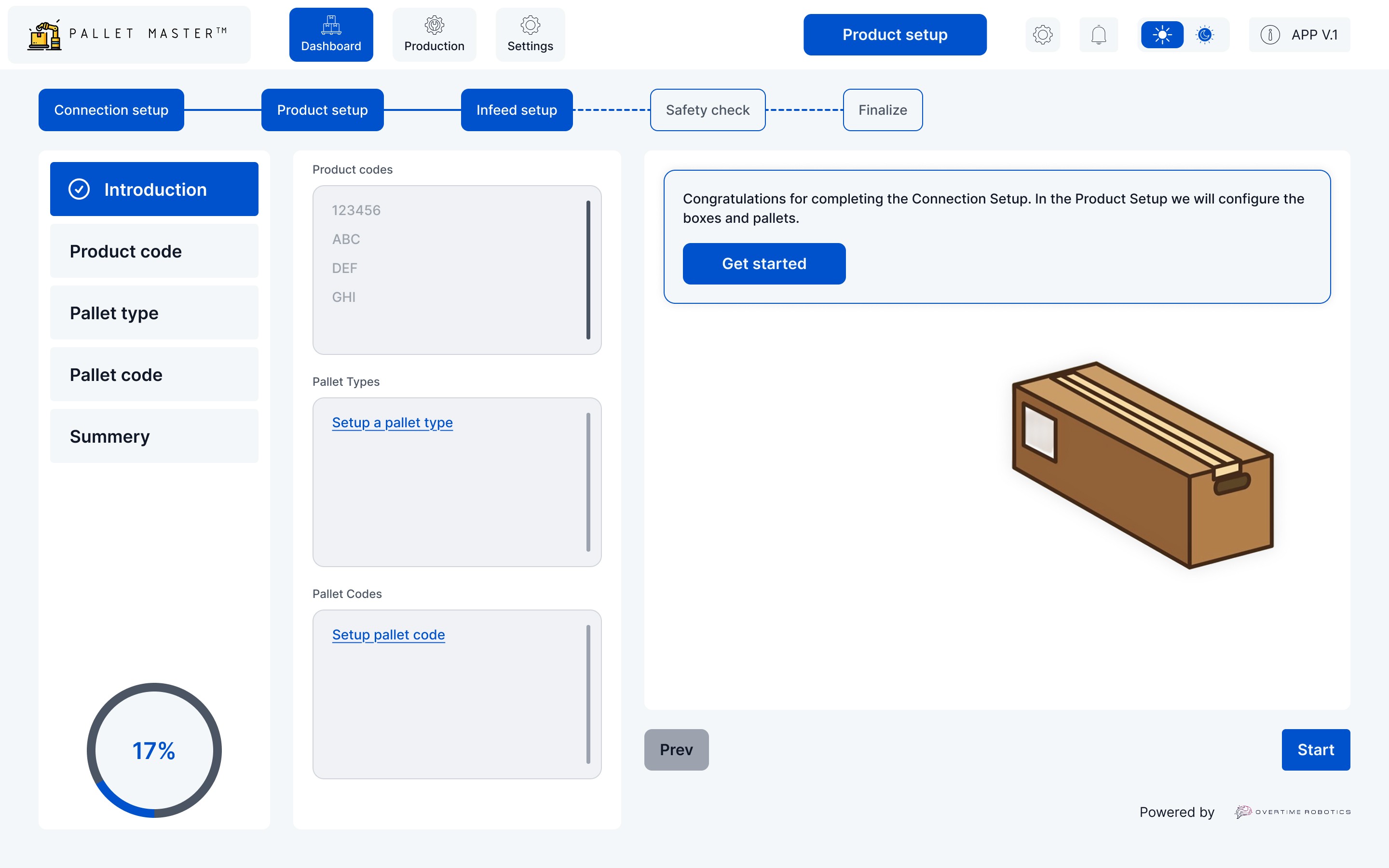
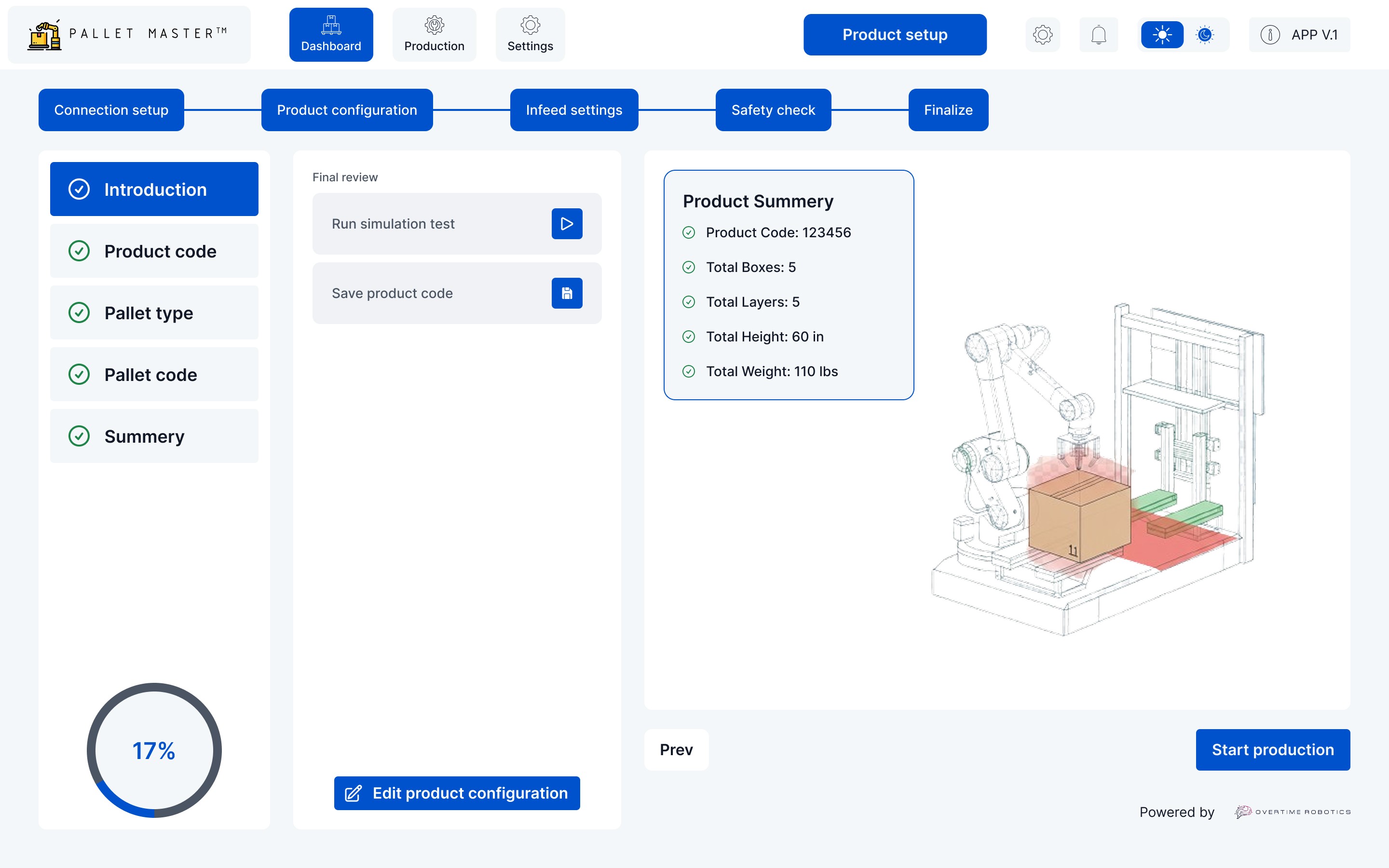
The PalletMaster™ interface was built on the principle of Task Clarity. We designed a linear, 6-step Configuration Wizard that guides users through:
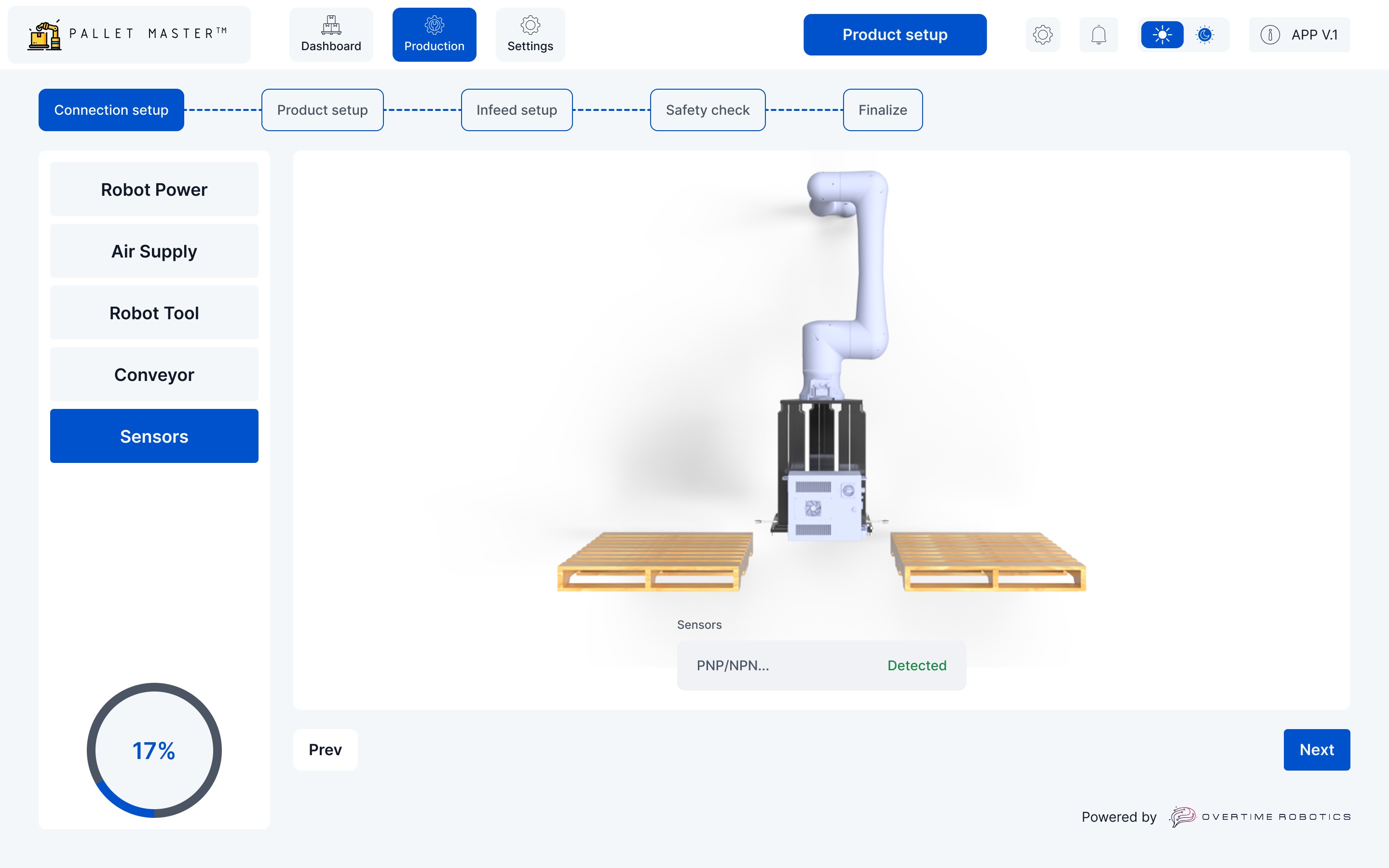
Auto-Detect Connectivity: Real-time hardware handshaking.
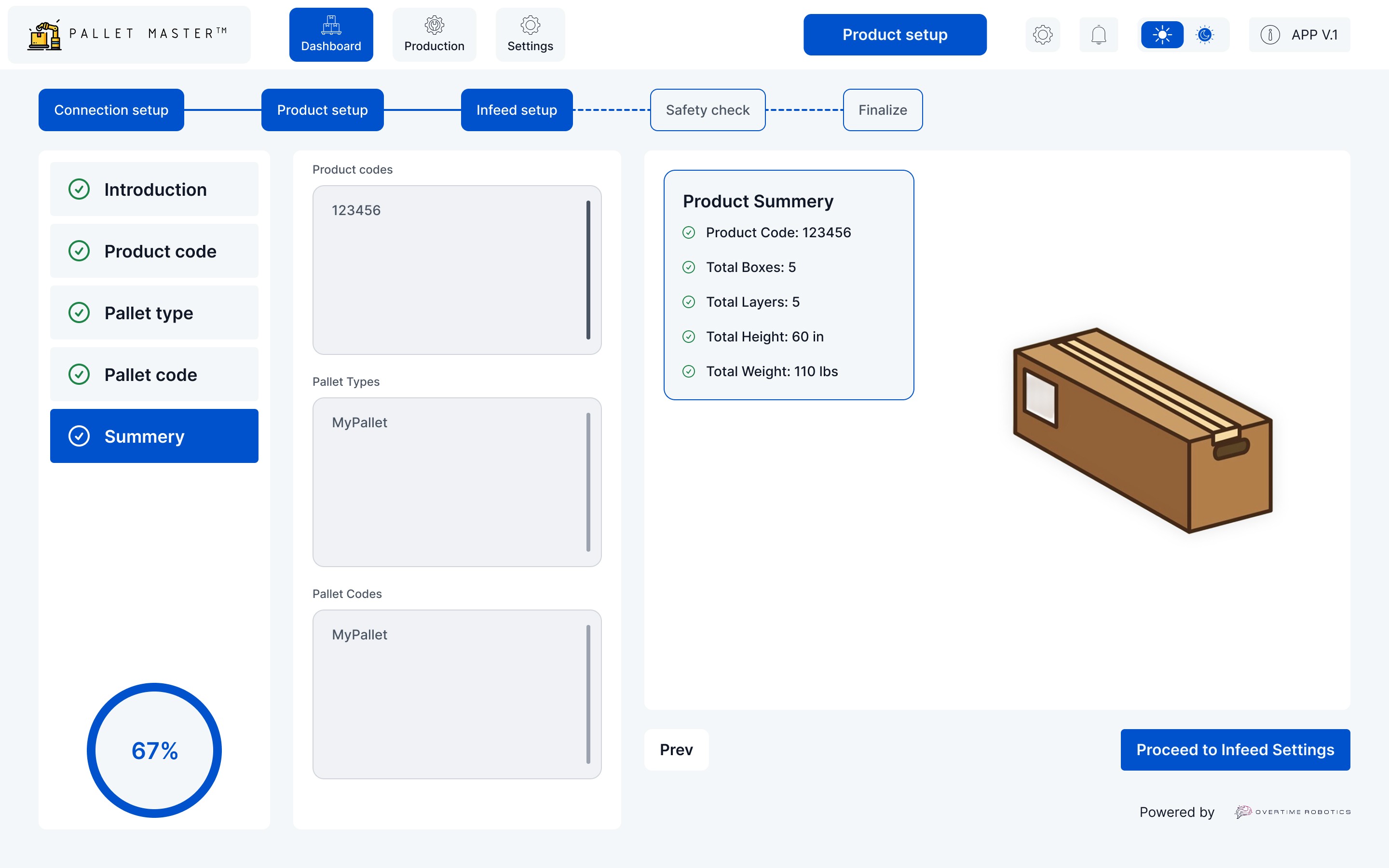
SKU Programming: Visual product dimensioning.
Infeed Logic: Dynamic 3D positioning of conveyors.
Safety Verification: A mandatory gate for E-Stop and light curtain testing.
Simulation Mode: A "Dry Run" that verifies robot paths without physical risk.
What is robotic simulation in palletizing?
It is a digital validation process where the robot arm performs its duty cycle in a virtual environment to ensure path accuracy and safety before live production begins.
Key Features & Technical Innovation
1. Graphical Interactive Guide (GIG)
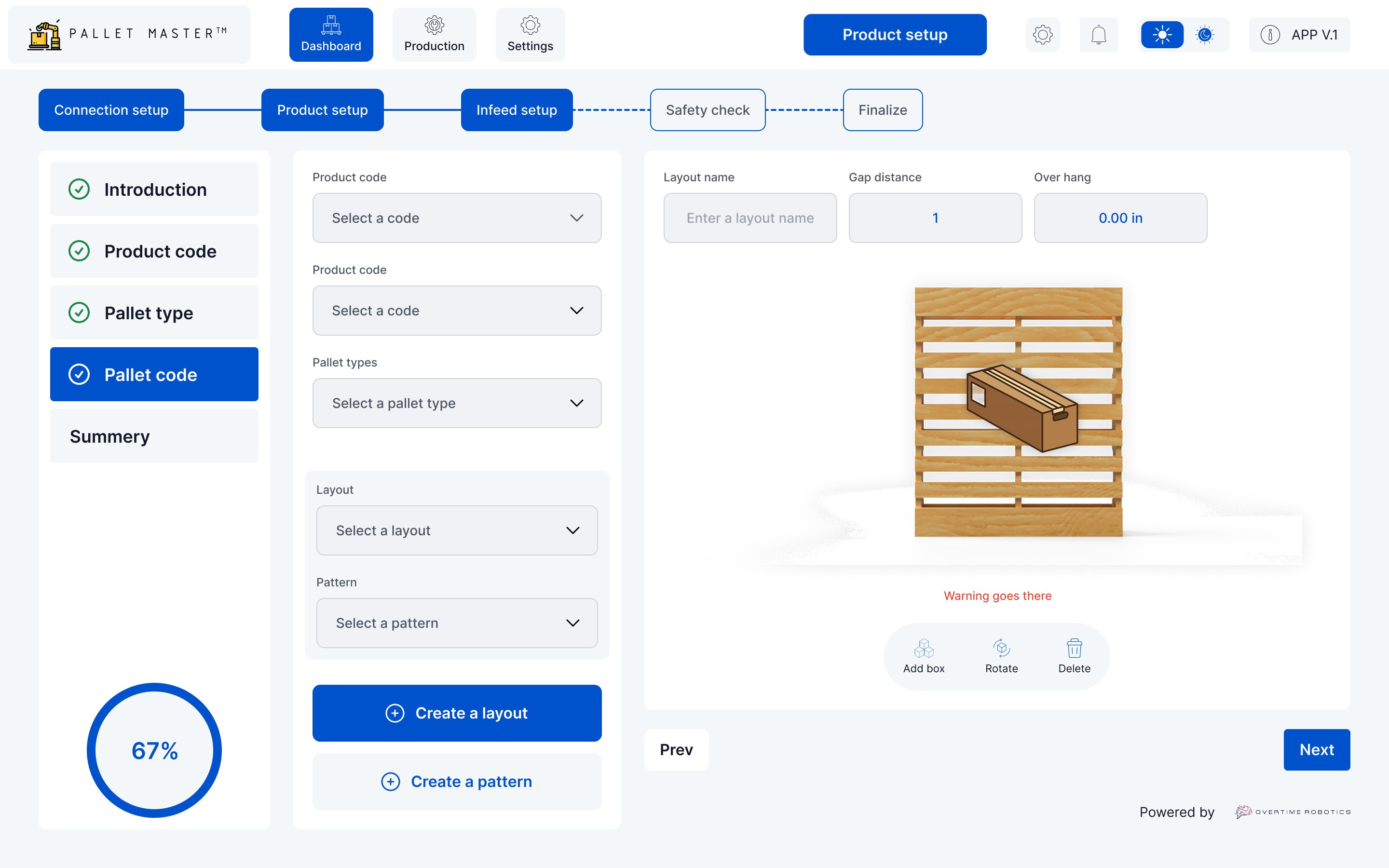
Our Digital Twin viewport provides immediate visual feedback. When an operator changes a dimension, the 3D model reacts instantly. This eliminates the "input-output" mental lag found in older systems.
2. Live Ops HUD (Heads-Up Display)
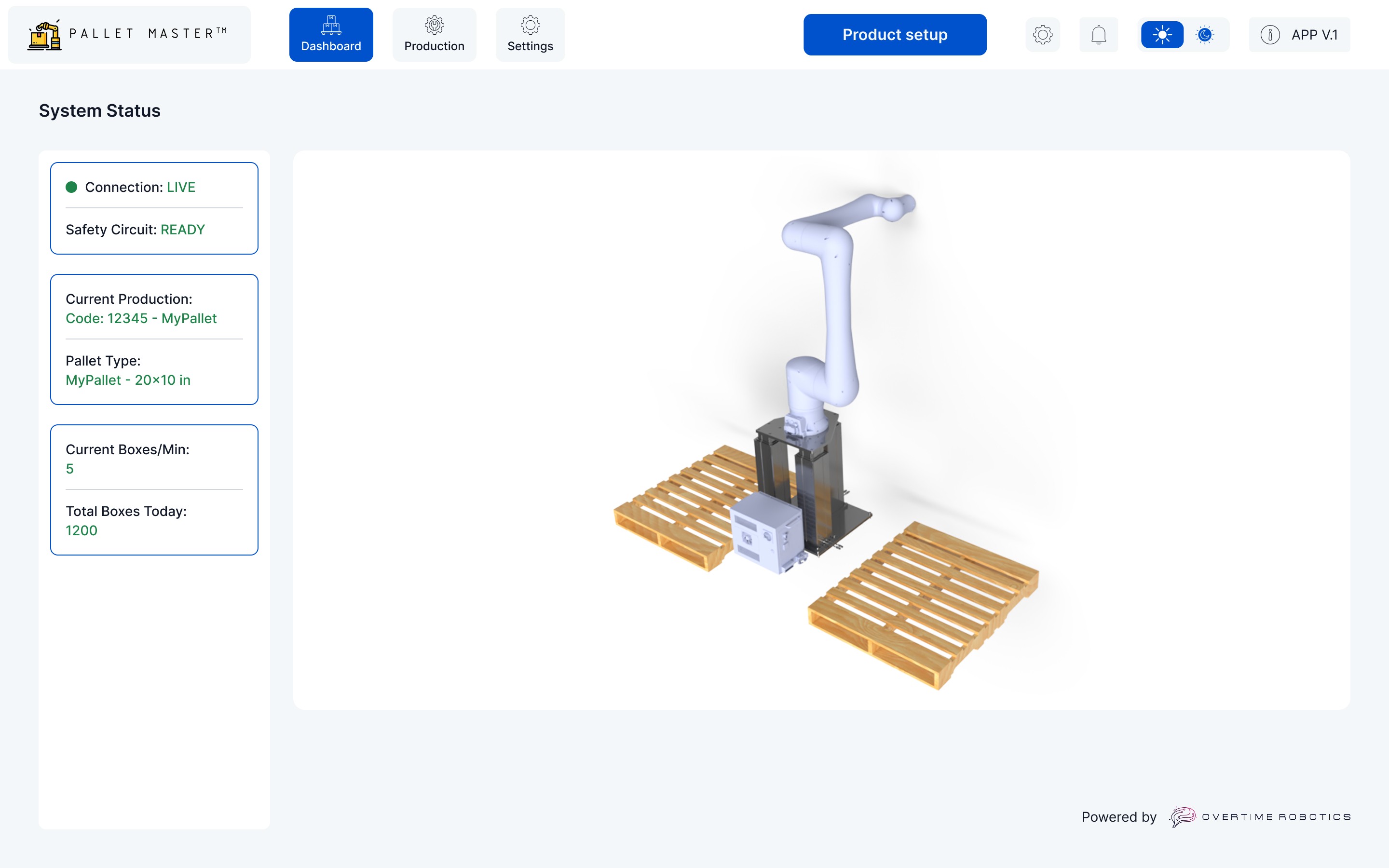
The dashboard prioritizes Live Status Awareness. By organizing critical KPIs—Connection Status, Safety Circuit, and BPM (Boxes Per Minute)—into a persistent left panel, we ensure operators never lose sight of system health.
3. Plain Language Error Logging
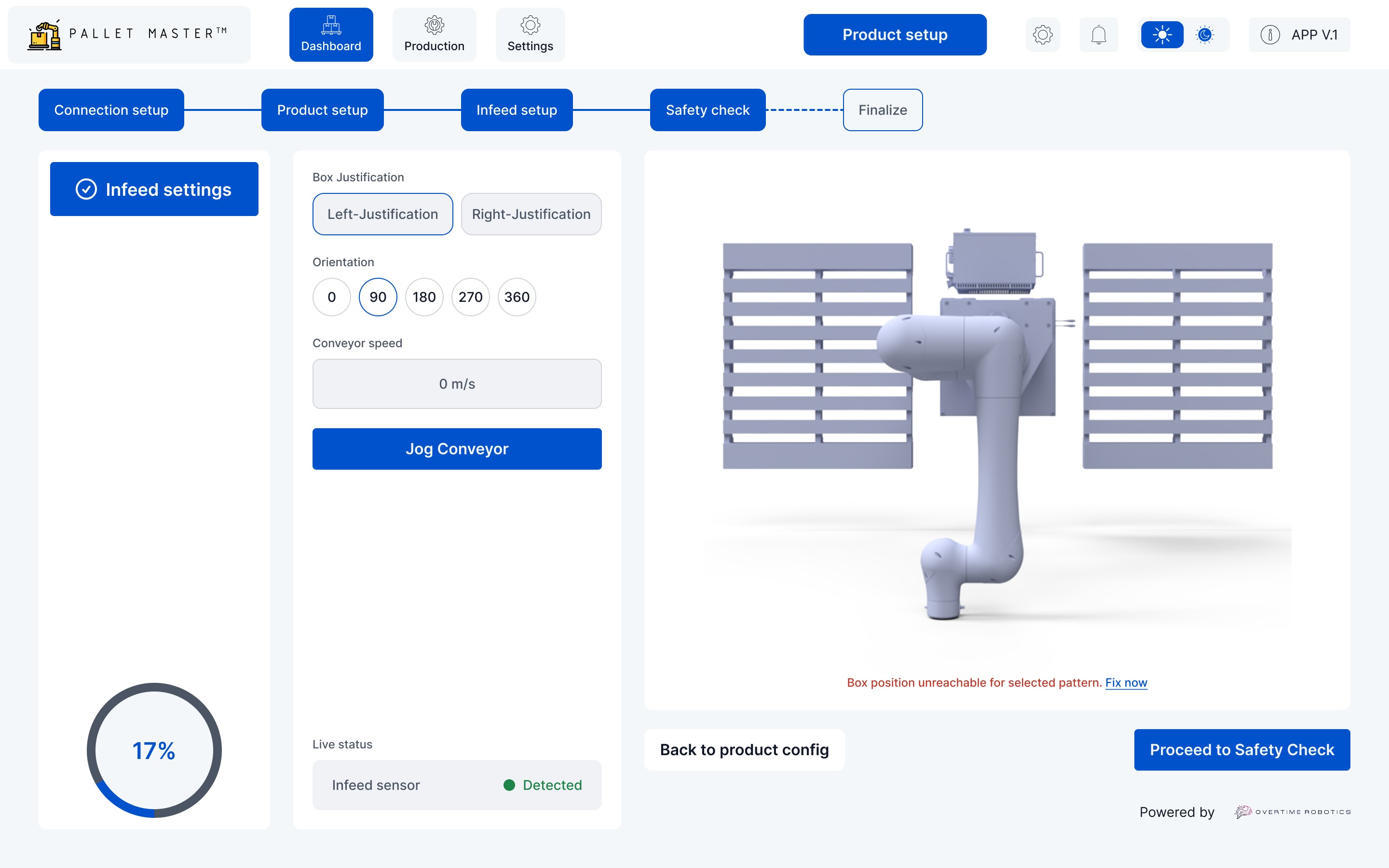
To achieve Error Transparency, we replaced cryptic hex codes with actionable human language. Instead of "Error 504," the system reports: "Reach Limit Exceeded at Layer 3. Move Pallet 50mm Left."
The Results – Data-Driven Success
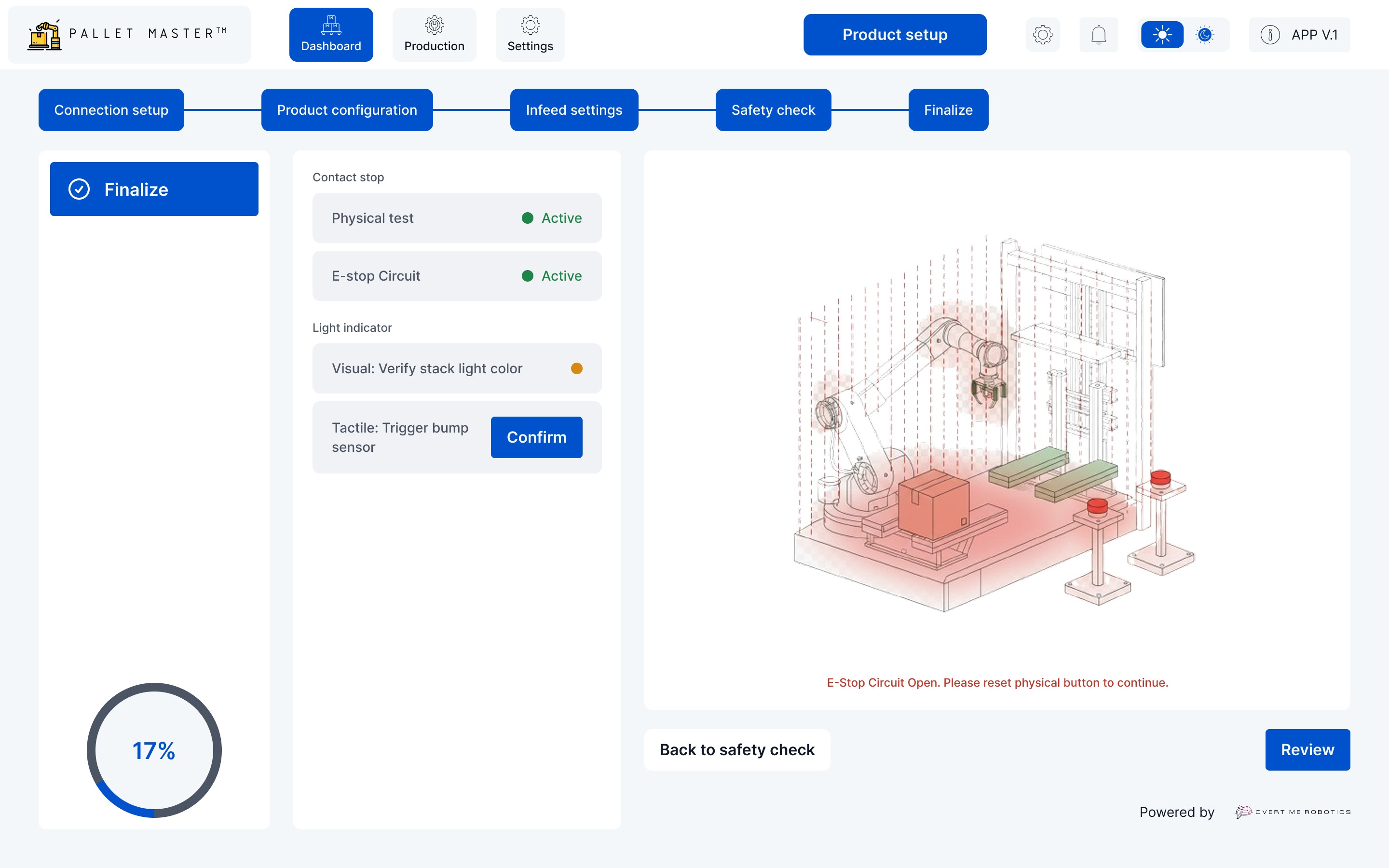
By centering the user experience on Insightful Analytics and Minimal Steps, PalletMaster™ achieved:
90% Reduction in setup time (from 4 hours to 12 minutes).
100% Safety Compliance via the mandatory digital-to-physical safety gate.
40% Increase in OEE (Overall Equipment Effectiveness) through real-time throughput monitoring.
Frequently Asked Questions
Q: How do you simplify robot palletizing for operators? A: By using a "No-Code" interface that utilizes a 3D Digital Twin, operators can drag and drop configurations rather than writing a script.
Q: What is the benefit of a 3D simulation in robotics? A: It allows for "Path Verification," ensuring the robot will not collide with safety fencing or equipment before the physical motors engage.
Q: How does PalletMaster™ improve warehouse safety? A: Through a mandatory "Safety Check" screen that requires physical testing of E-Stops and sensors before the "Start Production" button is enabled.
Stop Losing Contracts to Digital Rust.
Let’s build a website that works as hard as your
factory floor.